KP3 revealsScreen recording protection (DRM)
Anyone who screen-records your course gets nothing but a warning screen.
Your videos encrypted with the DRM standard the big streaming platforms use (Widevine, FairPlay, PlayReady), with a Vietnamese interface and real people to help.
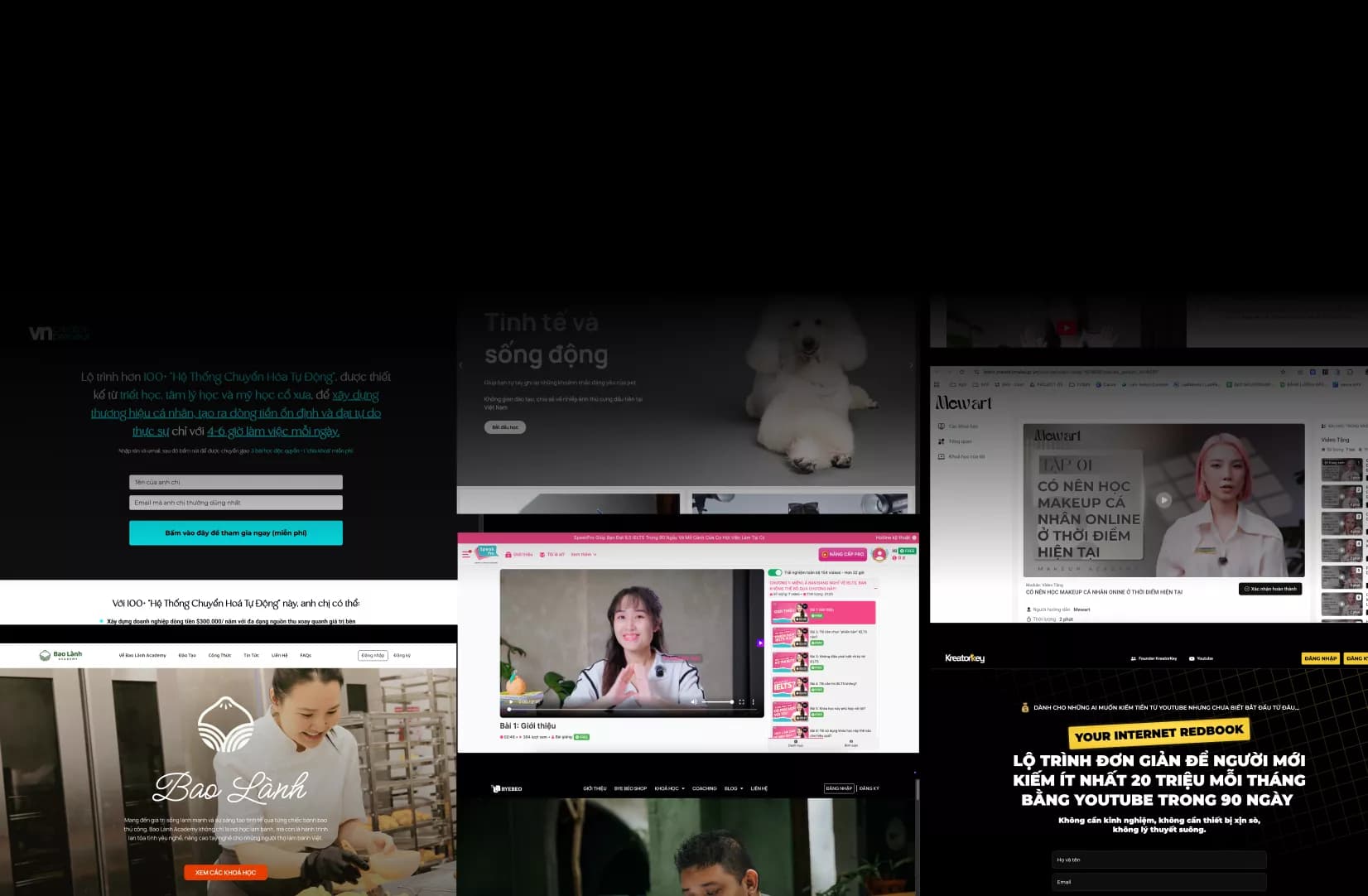
- 3 stepsupload, turn on DRM, publish
- Widevine, FairPlay, PlayReadyplus WisePlay
- Local supportwith an integration API
Dear friend,
If you’re looking at Screen recording protection to get more customers and more revenue without taking on more work yourself, this could be the most important page you read this week.
KP3 encrypts your videos with the DRM standard, manages each student’s viewing rights, and tracks and reports on all of it. Three steps: upload the video, turn on DRM, publish to your site or app. There are tools and an API to plug it into the system you already have.
Anyone recording with software ends up with a video that shows only a “Warning” screen. There’s also a dynamic watermark per student to trace the account that leaked it. Straight talk: DRM can’t stop an external camera pointed at the screen.
But before I tell you what KP3 does, let me ask you one question…

Downloads blocked, screens still recorded
- You’ve blocked downloads, and people still fire up screen recording software.
- A few hours later, the whole course is one cheap video file for sale.
- Foreign DRM services offer no local support, costs that are hard to estimate, and an integration that takes a whole quarter.
If you nodded at even one line above, it’s not your fault. It’s a sign that the way you work now has run out of room to grow.
The good news: there’s a faster, surer way — and you don’t have to do it yourself.

Sell your course without the anxiety
- No more anxiety. Sell your course without waiting for it to get recorded.
- Recordings show only a warning. Record it with software and the video shows only the Warning screen; plus a dynamic watermark per student.
- Three steps, with an API. Upload the video, turn on DRM, publish; tools and an API plug into your site or app.
What’s in the DRM package
- Video encryption, per-student viewing rights, tracking and reports
- Widevine, FairPlay, PlayReady and WisePlay DRM
- A warning screen whenever software records the video
- Dynamic watermark, tokens, viewer behavior checks
- A Vietnamese interface, with people to advise you
- Tools and an API to build it into your website or app
- Plans by number of views or number of students
Proof!
The numbers KP3 has put up

How to turn on DRM
- Step 1
Upload the video
Put your course videos into the system.
- Step 2
Turn on DRM
Encrypt them and assign viewing rights.
- Step 3
Publish
To your website or app.
DRM prices
Per view
From under 10,000 to 3,000,000 views.
Priced to scope
- DRM encryption, dynamic watermark
- View reports
- Integration API
Per student
From under 1,000 to 3,000,000 students.
Priced to scope
- Viewing rights per student
- DRM encryption, dynamic watermark
- Integration API
Next to the revenue from one course, this is insurance on all the work you’ve put in. KP3 prices your plan by your number of students. Prices exclude VAT.

The KP3 guarantee
Miss the KPIs in the contract, and KP3 keeps working for free
Every Screen recording protection project has its KPIs written into the contract. If they aren’t met, KP3 keeps working for free until they are — or refunds the unmet part under the terms. What you sign is what you pay, with no extras outside the scope.
Dương Trọng NghĩaFounder, The KP3
Read the full guarantee terms →
Wait… this service isn’t for everyone
Because KP3 commits to KPIs, we only take on businesses we’re sure we can help:
- You already have a product or service that customers really buy — KP3 helps you sell more; it doesn’t find you a product.
- You’re ready to let KP3 lead on the expertise — you review and decide, but you don’t take the work back.
- No banned goods, no pyramid schemes, no scams, and nothing you wouldn’t dare tell your mother about.
If you meet all three, click the button below.

Questions you might be asking yourself
What about someone pointing a phone at the screen?
DRM can’t stop an external camera. The dynamic watermark tells you which account the video came from.
How is it different from the video download blocking package?
Download blocking stops video download tools. DRM also stops screen recording software.
P.S. You could keep doing everything yourself, try a few more tools, hire a few more people — and hope next month turns out different.
Or you could spend 30 minutes talking with the KP3 team. We’ll show you exactly where you’re losing customers and how to fix it — free, no strings attached. Even if you don’t hire KP3, you leave with a growth map.
Consultation slots are limited each week because the very team that runs the projects sits down with you. Click the button now.